![horizontal-black-3.png]](https://knowledge.cheqroom.com/hs-fs/hubfs/horizontal-black-3.png?width=200&height=37&name=horizontal-black-3.png)
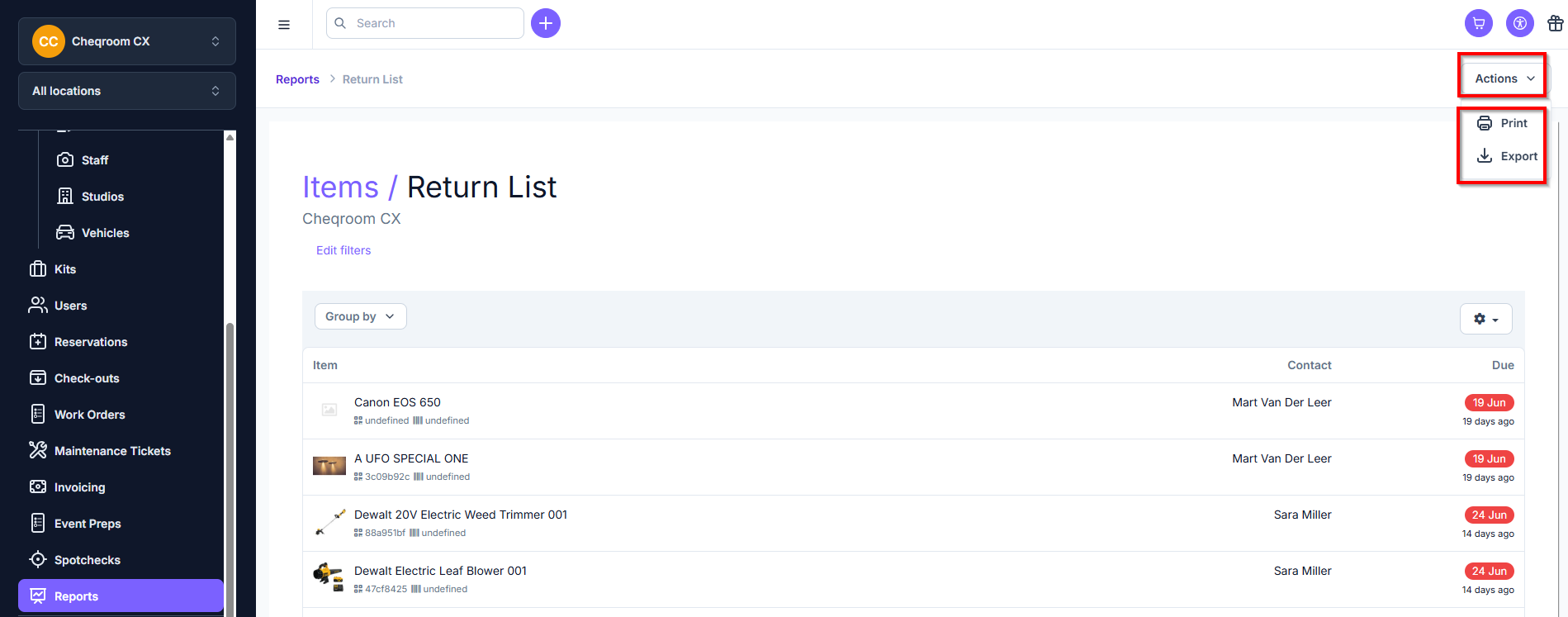
This report shows you an overview of your checked out items and when they should be returned.
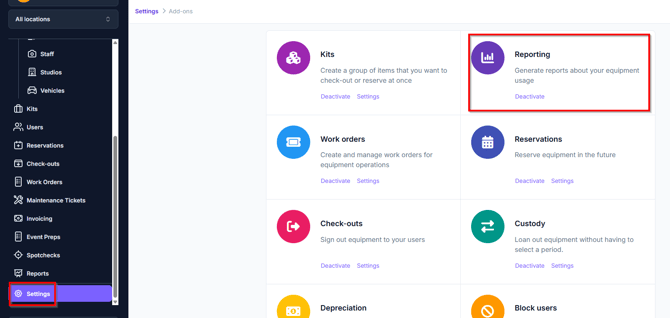
Enabling the Reporting add-on
-
Click Settings in the bottom left corner of your screen
-
Click Add-ons
-
Scroll down to Reporting
-
Make sure it's activated
Using your Item: Return list
-
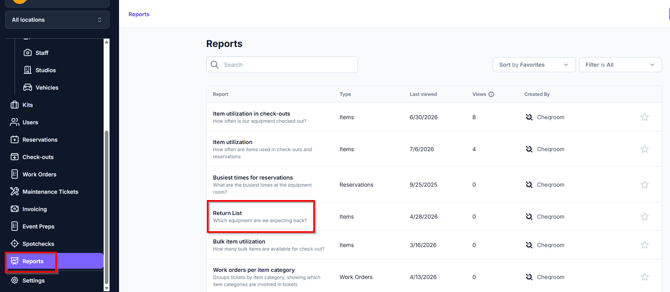
Go to Reports
-
Go to the Item section
-
Choose Return list
-
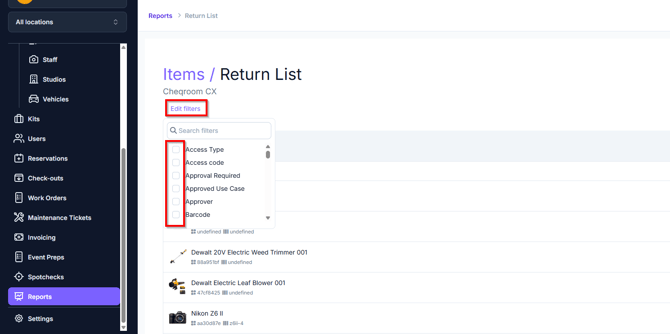
Add extra filters by clicking on 'Edit filter' and then selecting the additional filters to add.
-
Click Actions in the top right hand corner of your Cheqroom account, and from here you can choose to Print or Export your report.